
Version 1.2.5macOS 15+ on Apple Silicon
Show playback and stage compositing for your Mac
Cue playback, live compositing, and multi-screen output, all from one Apple Silicon Mac.
Free demo with every feature · $399 one-time license
Live playout
Preview it. Then take it live.
The next cue is decoded and waiting on its first frame before you press GO.
- No black flashTwo playback engines keep the next cue warm.
- Five transitionsCut, Dissolve, Dip to Black or White, and Wipe.
- Panic rowBlackout, Fade to Black, Freeze, and Mute, always on screen.
Cue list
Run the whole show from one list
Everything for the cue you're on, without leaving the list.
- Auto-follow and jumpsChain cues so the show runs itself between GOs.
- IDs, colors, notesLabel cues the way your stage manager calls them.
- Trims and fadesSet In, Out, fades, and speed in the inspector.
- TimecodeFire cues from LTC or MTC, or chase the timeline.
Output Patch Bay
Fit the picture to any screen
Map your canvas to projectors, LED walls, and odd-shaped surfaces.
- 4-corner keystoneDrag the corners to line up with the surface.
- Edge blendingSoft, gamma-corrected overlaps between projectors.
- Video wallsSpan Across Outputs slices a wide canvas for you.
Stage Compositor
Composite live on a timeline
Layer cameras, video, and graphics, then fire the whole look as one cue.
- Picture-in-pictureOne-click presets for corners and splits.
- Chroma keyGreen or blue screen with spill suppression.
- KeyframesAnimate position, scale, rotation, and opacity.
Diagnostics
Line-check before the doors open
Test cards and tones are built in, on every output.
- 24 test cardsEBU and ARIB bars, PLUGE, zone plate, and grids.
- Tone generator400 Hz, 1 kHz, and 5 kHz tones, sweeps, and noise.
- Motion checkAn animated sweep reveals dropped frames and tearing.
Audio
Shape the sound for every cue
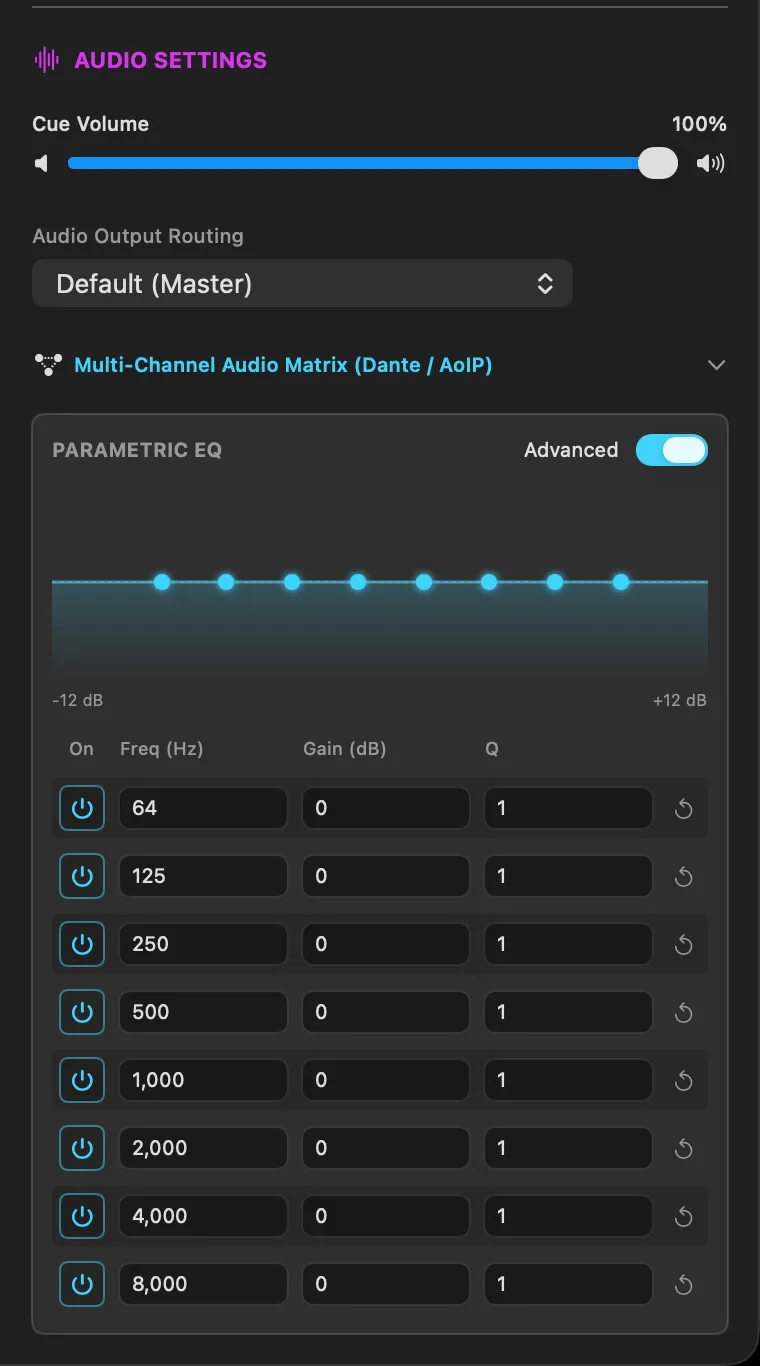
Volume, EQ, and routing live with the cue, not on a separate mixer.
- 8-band parametric EQ64 Hz to 8 kHz, ±12 dB, per cue.
- Output routingChoose where each cue's audio goes.
- 64-channel matrixPer-clip routing for Dante and other AoIP.
Show control
Fits the show system you already have
Show control is built in. No plugins or add-ons to buy.
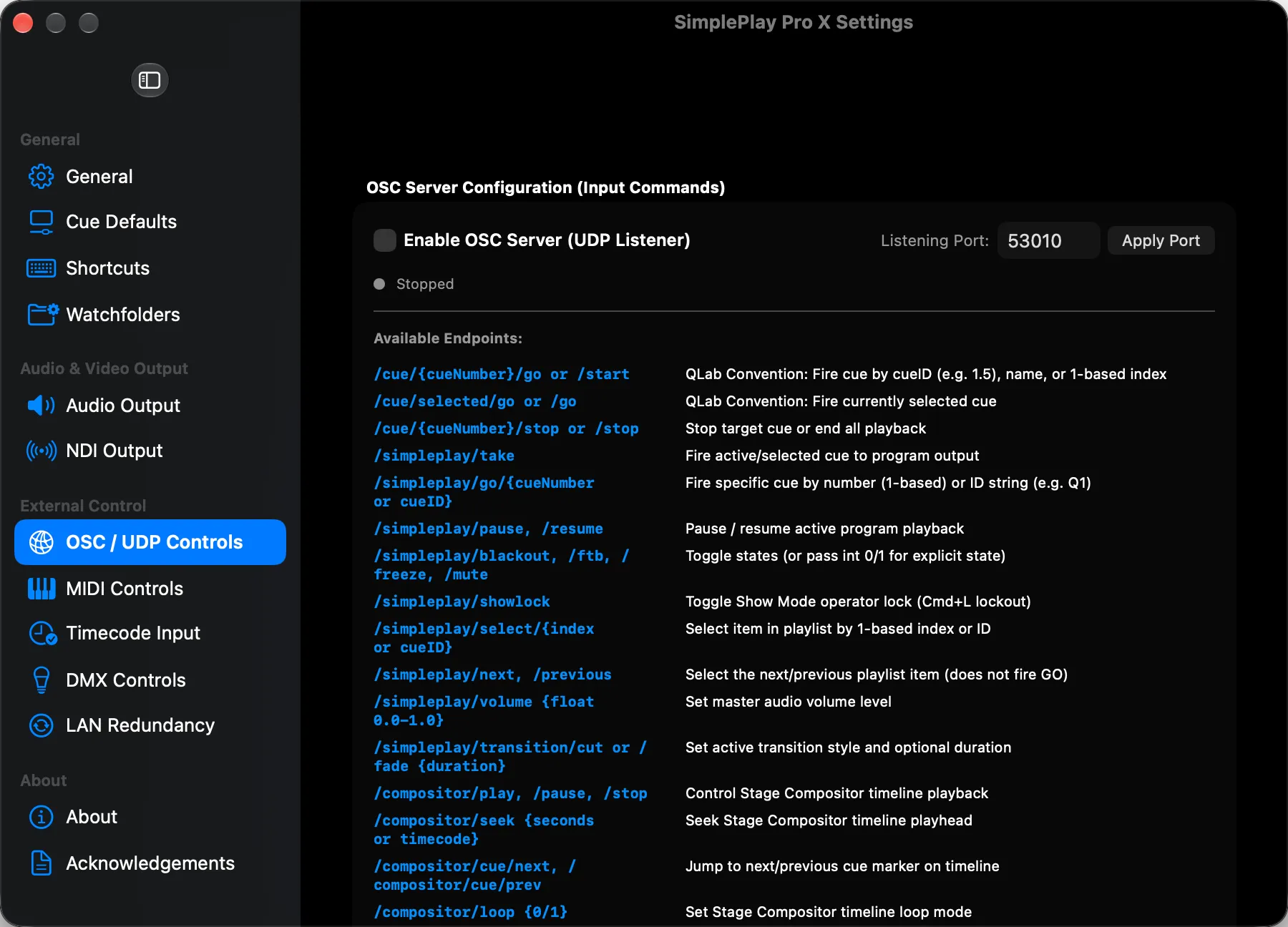
- OSCQLab-style addresses, with state feedback.
- Art-Net and MIDILet the lighting desk or a controller fire cues.
- Stream DeckNative plugin or Companion module — both with live key state.
- OSC
- MIDI
- MTC
- LTC
- Art-Net
- Companion
- NDI
- Syphon
- Blackmagic SDI
- Dante / AES67
Ports and example commandsOSC, Art-Net, MIDI, timecode, NDI, Syphon, SDI, and Companion
IP Video
NDI Video I/O
Send your Program output over the network to vMix, OBS, or TriCaster, and bring NDI sources into the Stage Compositor as live layers.
NDI Send & Receive • mDNS or Discovery Server
// NDI network setup
Discovery:   mDNS / Bonjour (UDP 5353), or an NDI Discovery Server across subnets
Messaging:   TCP 5960-5969
Permission:  System Settings › Privacy & Security › Local Network
Receive:     NDI sources appear as Stage Compositor layers
And everything else
- NDI and SyphonSend and receive over the network or on the Mac.
- Blackmagic SDIDeckLink and UltraStudio output with Key + Fill.
- Projection mappingPer-layer warp meshes up to 16×16.
- WatchfoldersNew exports from a network share land in the playlist.
- Offline in the boothNo internet needed during a show.
- Two Macs per licenseYour show rig and a hot spare.
Made for every kind of show
From a conference room to a touring stage.
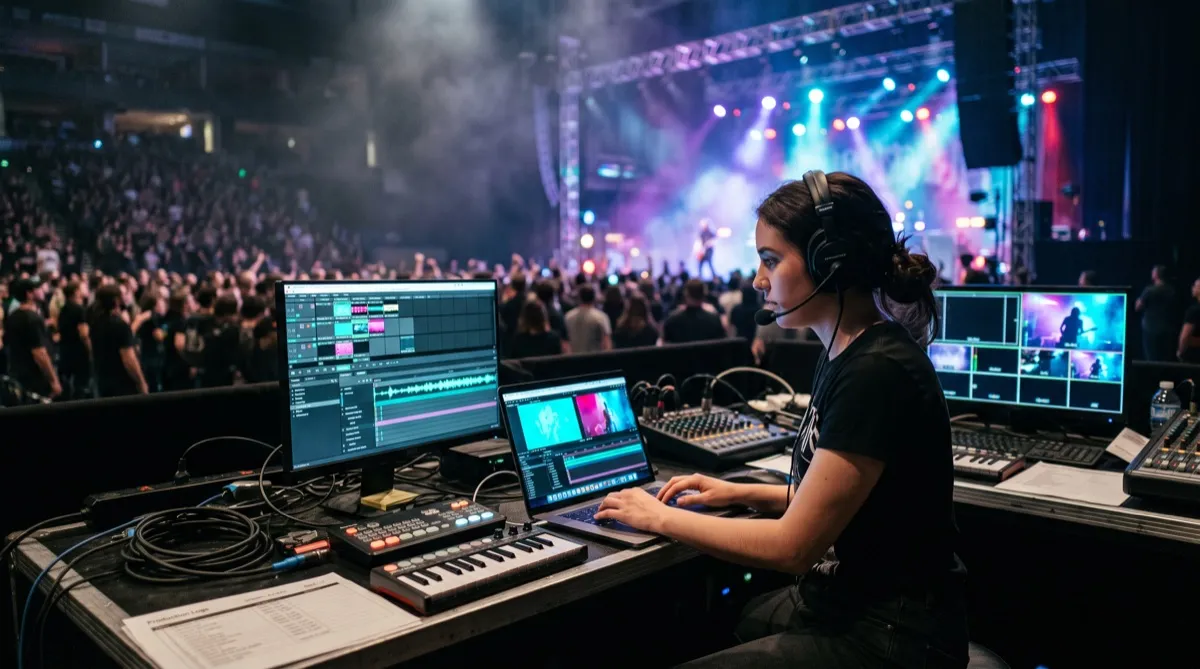
Concerts & touring
IMAG, graphics, and timecode chase.
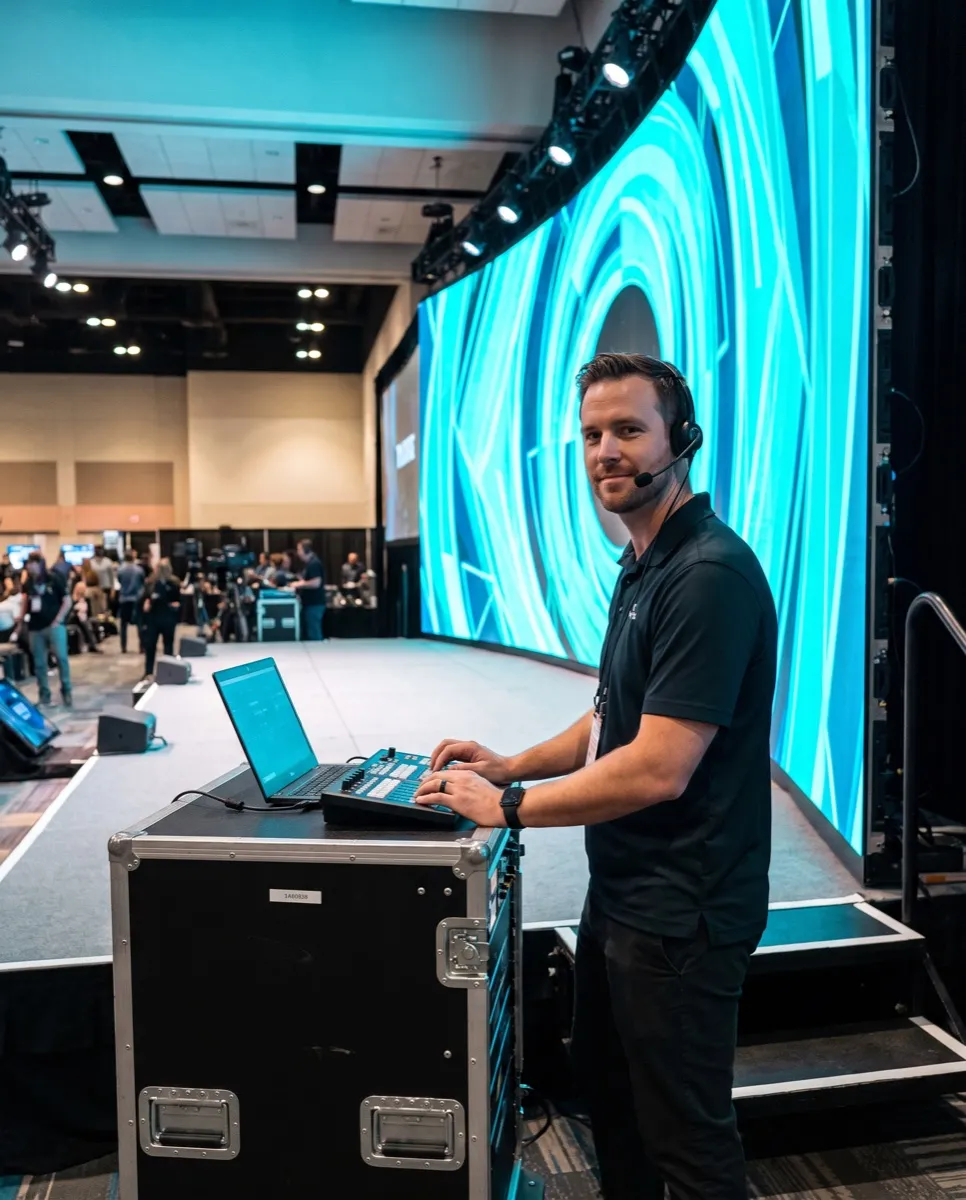
Corporate & keynotes
Wide canvases and speaker picture-in-picture.
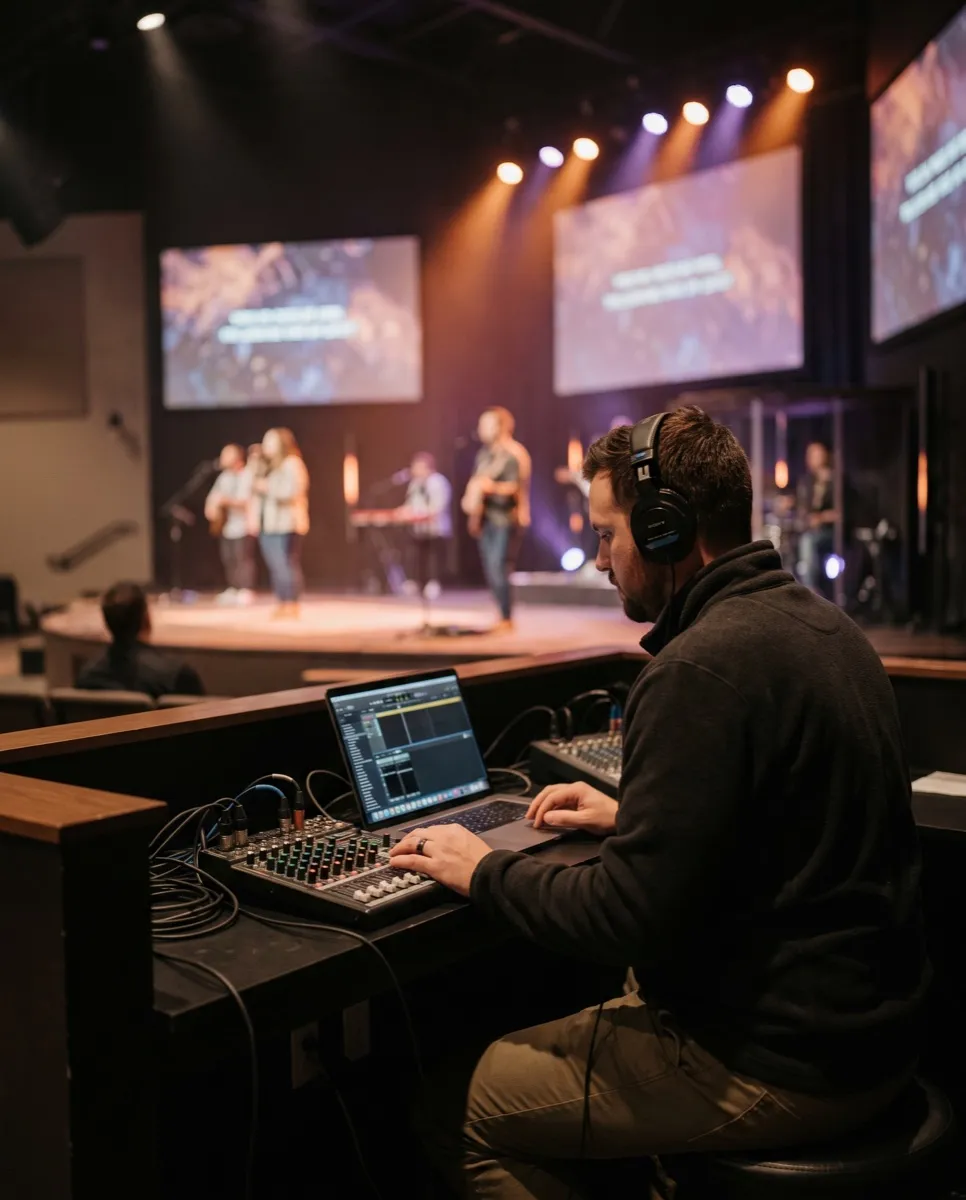
Houses of worship
Simple cues for volunteer crews.
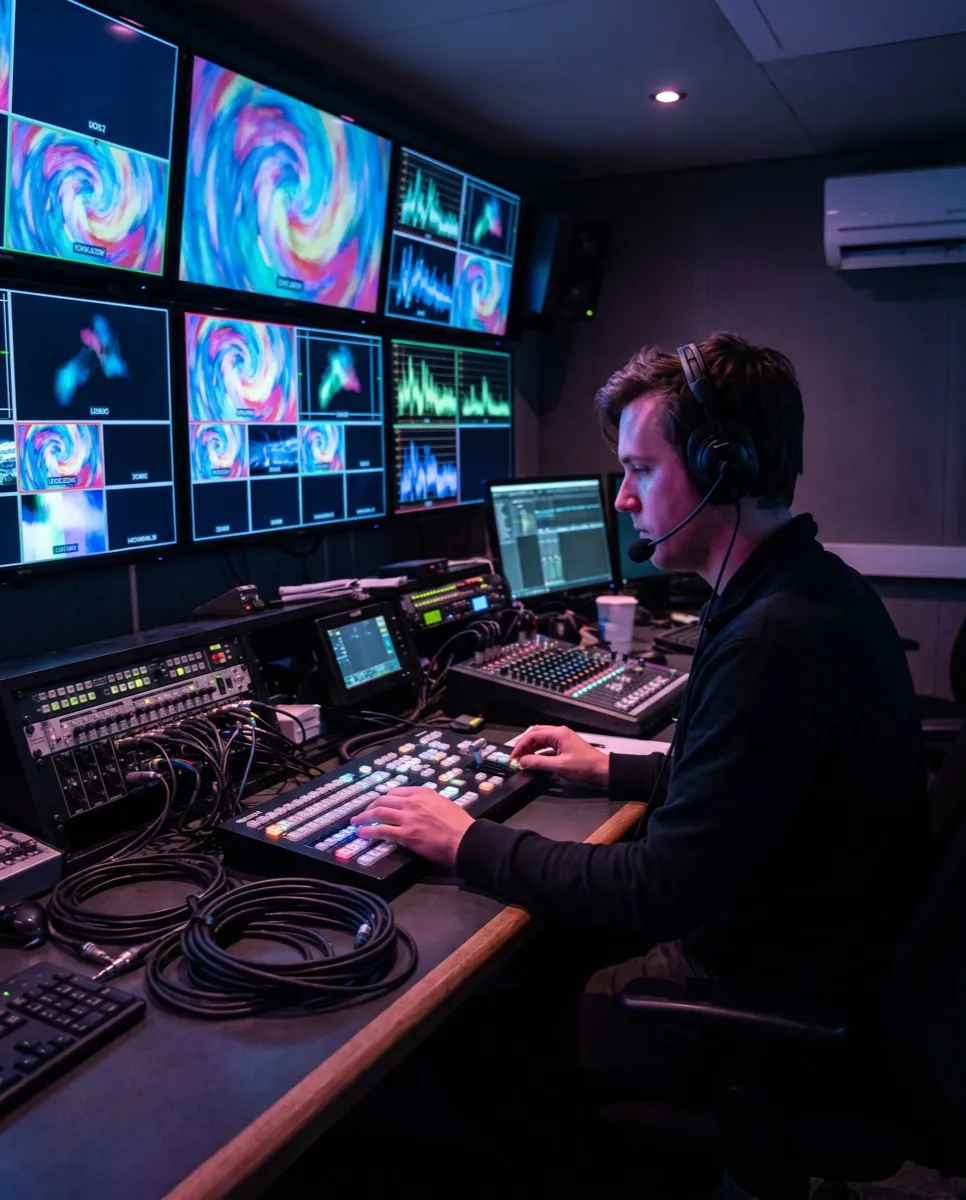
Broadcast & studios
SDI Key + Fill and NDI feeds.
Technical specifications
Formats, audio, show control, and hardware support in detail.
Video and codecs
- Render Architecture
- Native Apple Metal GPU pipeline with display-locked frame pacing
- ProRes Playback
- Apple ProRes 422 HQ / 4444 / 4444 XQ with full Alpha transparency channel
- GPU-Accelerated Codecs
- HAP / HAP Q / HAP Alpha (native decoder), HEVC (H.265) 10-bit, H.264 (AVC)
- Stills & Image Sequences
- PNG, TIFF, JPEG, HEIC, DPX, OpenEXR, TGA, and SVG stills
- Canvas Scale
- Custom canvas resolutions up to 16384 × 16384 per Stage
- Color Output
- Optional 10-bit rendering with Rec.709, Display P3, and Rec.2020 output color spaces
Audio
- DSP Resolution
- 32-bit floating point uncompressed CoreAudio signal processing
- Channel Density
- Up to 64 discrete physical channels per device bus
- Network Audio
- Full compatibility with Audinate Dante Virtual Soundcard, AES67, and AVB
- Matrix Cross-Point
- Per-clip N-input to M-output cross-point mapping with independent trim
- Tone Generator
- 400 Hz, 1 kHz, and 5 kHz sine tones, frequency sweeps, and pink, white, and brown noise
- Sample Rates
- Follows your output device, from 44.1 kHz to 192 kHz
Show control and timecode
- LTC Timecode Chase
- SMPTE LTC from any audio input at 24, 25, 29.97, or 30 fps
- MIDI Time Code (MTC)
- Quarter-frame and full-frame MTC decoding, in Trigger or Chase mode
- OSC Protocol
- UDP control of cues, transport, panic controls, and the Stage Compositor, with state feedback (ports 53000 / 53001)
- Stream Deck & Companion
- Native Elgato Stream Deck plugin, plus a dedicated Bitfocus Companion module for hardware button racks
- Art-Net DMX512
- Listens on a selectable universe with channel-to-action mapping for lighting desks
- Emergency Overrides
- Instant global Blackout, Freeze, and Fade-to-Black hot-key triggers
System and hardware
- macOS Version
- macOS 15.0 Sequoia or later (fully tested on macOS 15.3+)
- Architecture
- Native Apple Silicon (M1 or later, including Pro / Max / Ultra)
- Video Hardware I/O
- Blackmagic Design DeckLink / UltraStudio SDI output, plus any HDMI / DisplayPort display your Mac drives
- IP Video Protocols
- NDI 5.5+ Send & Receive with automatic local mDNS device discovery
- Local Frame Sharing
- Syphon GPU shared memory server & client for Resolume / TouchDesigner
- Operation Mode
- No internet connection needed at show time — go online once every 14 days to keep the license validated
Simple pricing
Buy once, with no subscription. Try every feature free first.
Free demo
Evaluate on your own rig, with your own media.
$0
- Every feature, no watermark
- Playback stops after 15 minutes; relaunch to keep going
- Stage Compositor, 64-channel audio, NDI, Syphon, and SDI
- OSC, Art-Net, MIDI, and Companion control
- Help from the Discord community
Perpetual license
2 Macs includedFor touring engineers, event operators, houses of worship, and broadcast studios.
$399USD, one time
- 2 Mac activations: your show rig and a hot spare
- Yours to keep, with no recurring fees
- No playback time limit
- Every 1.x update free
- A discounted upgrade when 2.0 arrives, and 1.x keeps working
- Runs offline for up to 14 days between license checks, and you can move a seat to a new Mac any time
Secure checkout by Lemon Squeezy, our reseller and merchant of record. Your license key arrives by email — paste it into the demo to unlock it. Please try the free demo first: all sales are final. By buying you agree to the License Agreement.
Questions, answered
Everything you need to know before your first show.
How does SimplePlay Pro X licensing and pricing work?
SimplePlay Pro X is a one-time perpetual license for $399 USD — no subscription. Each license includes 2 machine activations, so you can license your primary show rig and a hot spare backup Mac at the same time.
How do software updates and future major version upgrades work?
A license covers every release in its major version: all 1.x updates, bug fixes, and macOS compatibility patches are free. When a new major version (2.0) arrives, license holders can upgrade at a discount — and your 1.x license keeps working with 1.x for as long as you want to use it.
Can I run SimplePlay Pro X on two Macs simultaneously?
Yes. Every license includes 2 machine activations, designed for live AV redundancy: one for your primary playback Mac and one for your hot spare. You can deactivate a Mac from inside the app and move the seat to a new one whenever you need to.
Does SimplePlay Pro X require an internet connection during a show?
No. Playback, compositing, and output routing never need a connection. The app checks your license online when a connection is available; if it can’t reach the license server it keeps running fully licensed for 14 days, so an offline show Mac needs to go online at least once every 14 days. Update checks run only when you are not in a show, and crash reports are sent only if you opt in.
Which Mac models and macOS versions are supported?
SimplePlay Pro X requires an Apple Silicon Mac (M1 or later, including Pro, Max, and Ultra) and macOS 15.0 Sequoia or later. It is a native arm64 application built on Metal.
How many video outputs can I route simultaneously?
There is no fixed software limit. You can route as many canvas slices and physical displays as your Mac supports via HDMI, DisplayPort, and Thunderbolt docks, plus Blackmagic DeckLink / UltraStudio SDI outputs, NDI streams, and Syphon.
How does the 64-channel audio matrix work with Dante / AES67?
SimplePlay Pro X uses macOS CoreAudio directly, so it works with any multi-channel audio device macOS recognizes — including Dante Virtual Soundcard, AES67 drivers, and USB / Thunderbolt interfaces — with per-clip cross-point routing and individual gain trims.
Can I trigger cues and emergency overrides from a Stream Deck or lighting desk?
Yes. SimplePlay Pro X includes bidirectional OSC control, Art-Net DMX input with channel-to-action mapping, MIDI and MIDI Time Code (MTC), LTC timecode, and a Bitfocus Companion module for Stream Deck buttons with live status feedback.
What video codecs and file formats are recommended for optimal performance?
For transparent multi-layer compositing, use Apple ProRes 4444 or HAP Alpha. For high-density playback, HEVC and H.264 are decoded in hardware by the Apple Silicon media engine, and HAP / HAP Q decode natively. SimplePlay Pro X plays what macOS AVFoundation decodes, plus HAP — it does not play NotchLC.
Is there a free demo, and what is included?
Yes. The free demo has every feature and no watermark; playback stops after 15 minutes per session, and relaunching starts a new session. The Stage Compositor, 64-channel audio matrix, NDI send/receive, Syphon, DeckLink SDI output, and OSC / Bitfocus Companion control are all available to test.

Try it on your next show
Download the free demo, load your media, and have cues running in a few minutes.
Version 1.2.5 · Notarized by Apple · macOS 15 or later · Apple Silicon