

For iPad
Keep every talk on time.
SpeechCue Timer puts a large countdown and your messages on the speaker's screen, while you run the show from your iPad. Connect a monitor, TV or projector with a cable or AirPlay.
iPad · iPadOS 18.2 or later · From the makers of SimplePlay Pro X
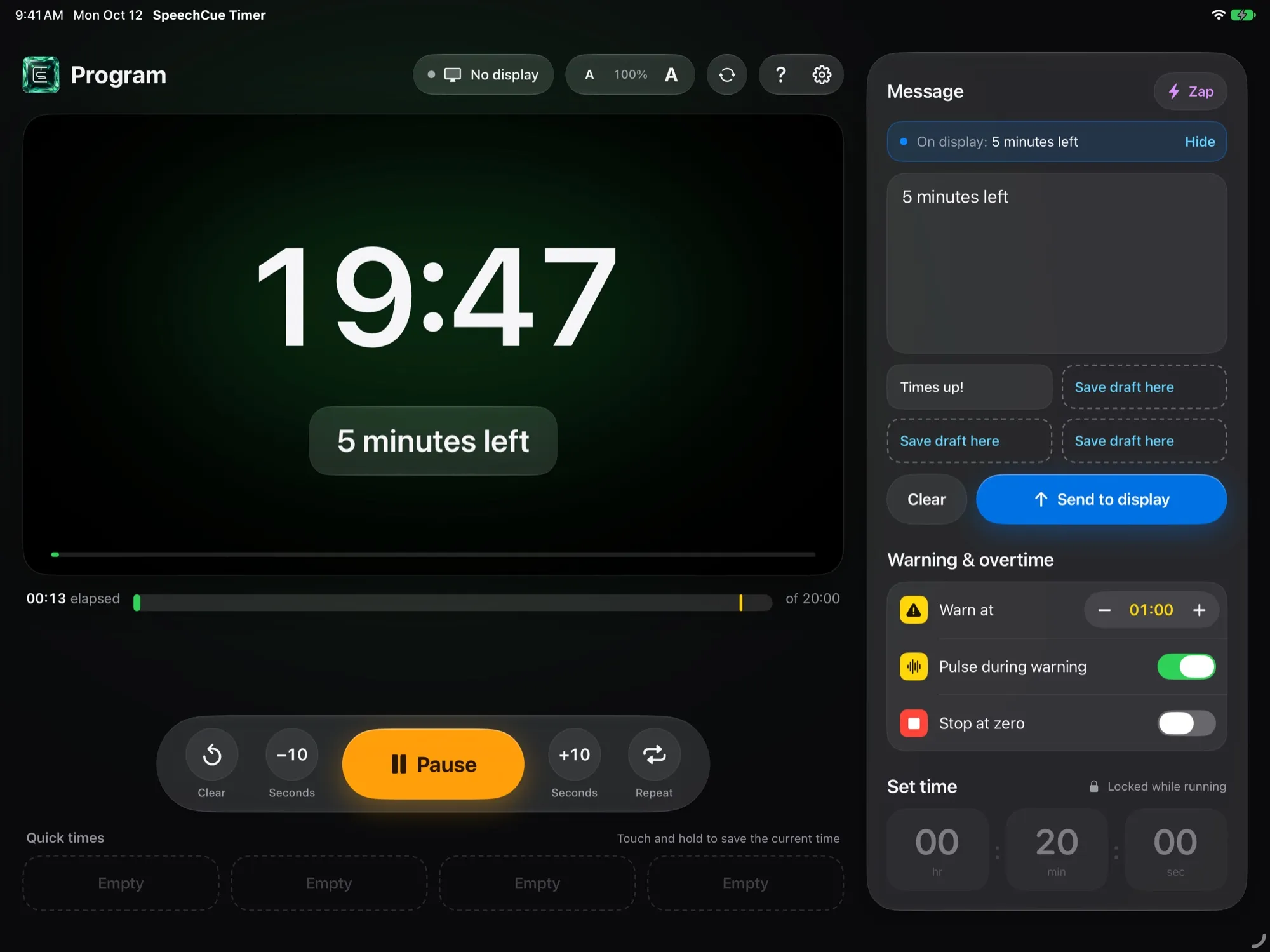
Made to be read from the stage
A huge countdown that turns yellow at wrap-up time and red when time is up. Count into overtime, or stop at zero.
Cue the speaker in one tap
Send a message to their screen, then Zap it to catch their eye. A message you type during the talk goes up on its own at zero.
Run one show from several iPads
Link iPads with a 4-digit show code. Same countdown, same messages, and any of them can run the show. No internet needed.
Private by design
No accounts, no ads, no tracking. The app collects no data at all.
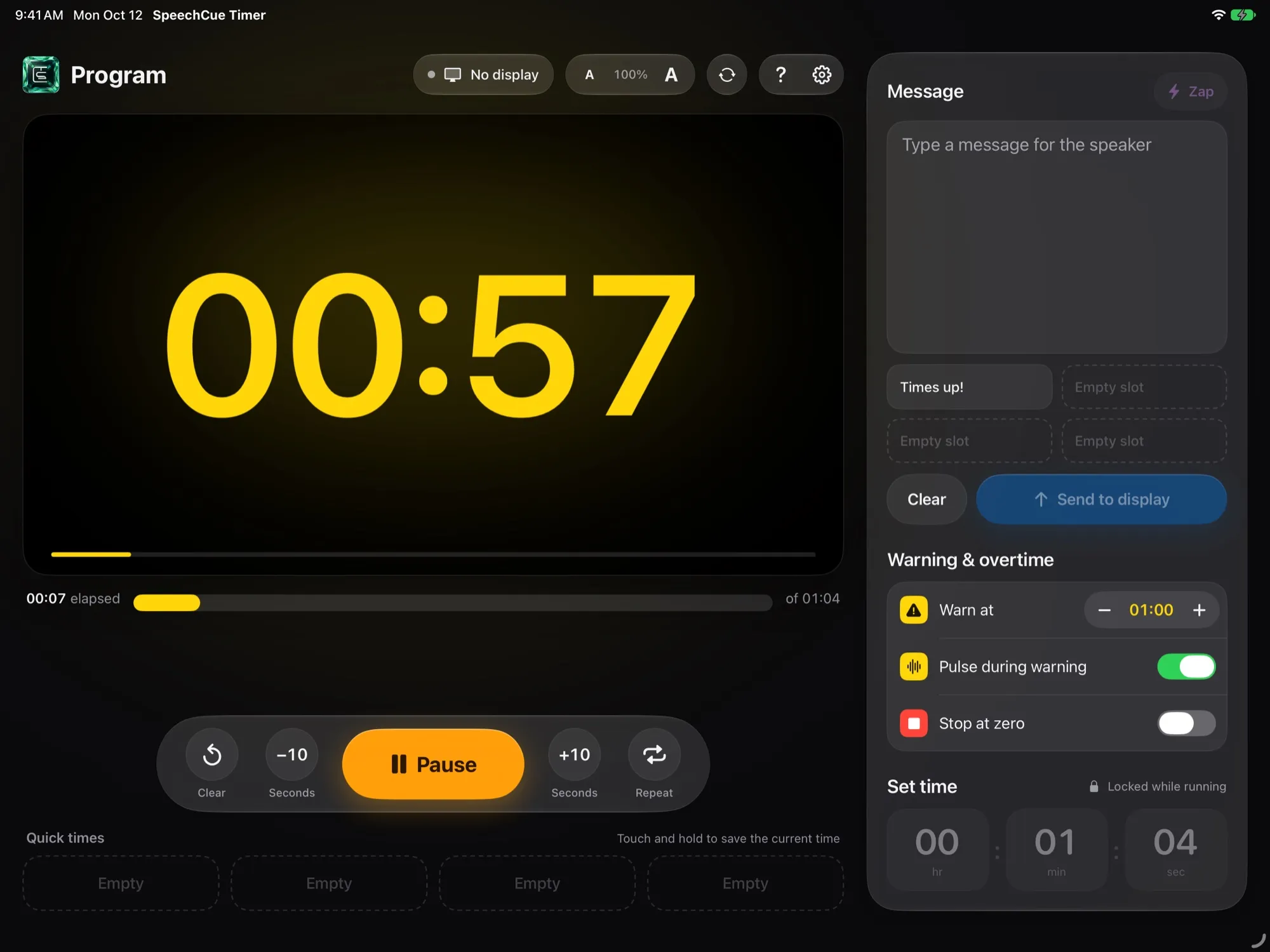
The speaker always knows where they stand
- Pick when the wrap-up warning starts, from 10 seconds to 10 minutes
- An optional gentle pulse while the time is yellow
- Add or remove 10 seconds without stopping
- Save up to four quick times for the talk lengths you use most
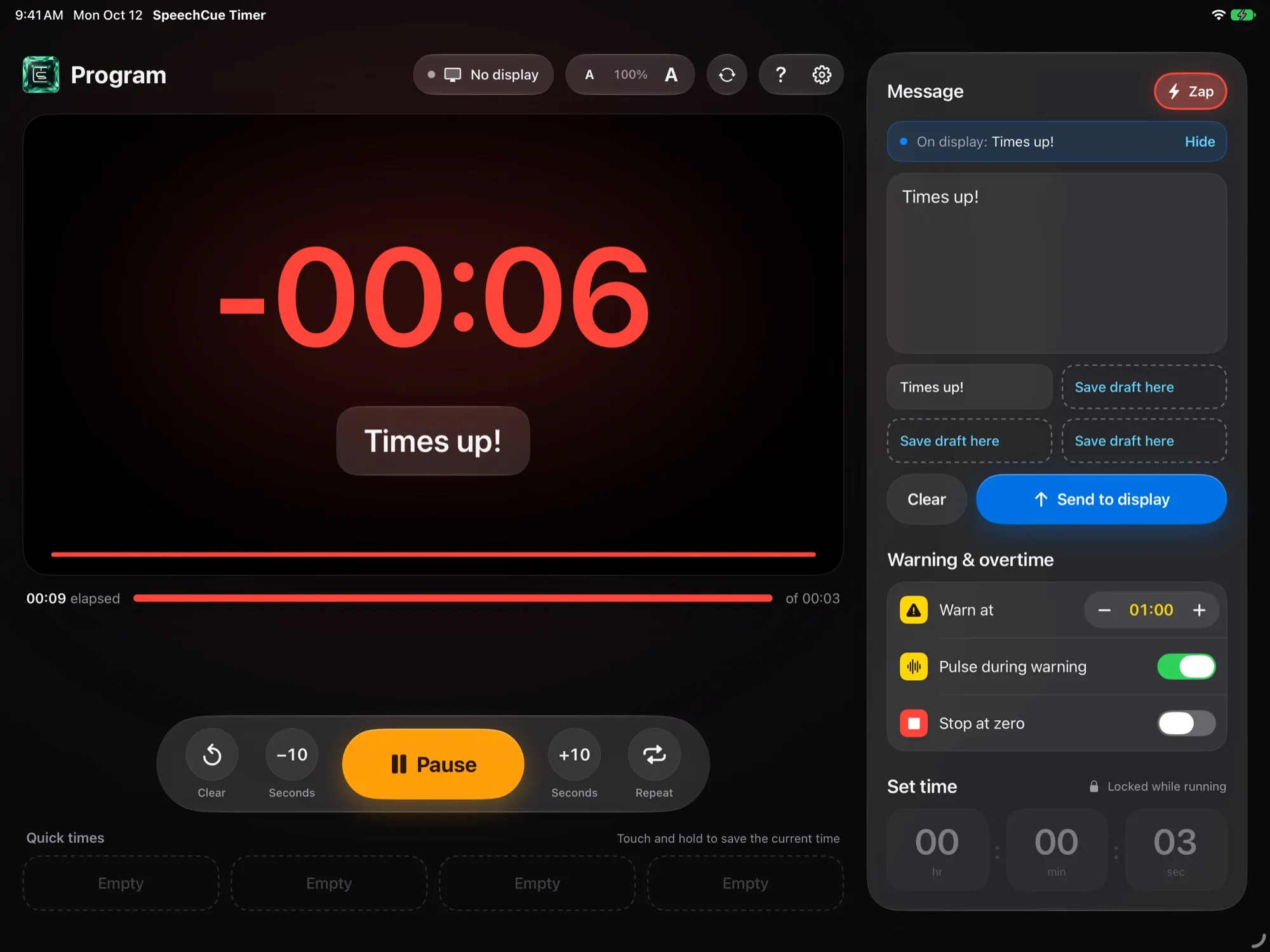
When time runs out, you know first
- The timer turns red, and Zap glows to remind you it can nudge the speaker
- A message waiting in the box goes to the speaker display automatically at zero
- Four saved messages, starting with "Times up!"
- A full emoji keyboard for a friendlier cue
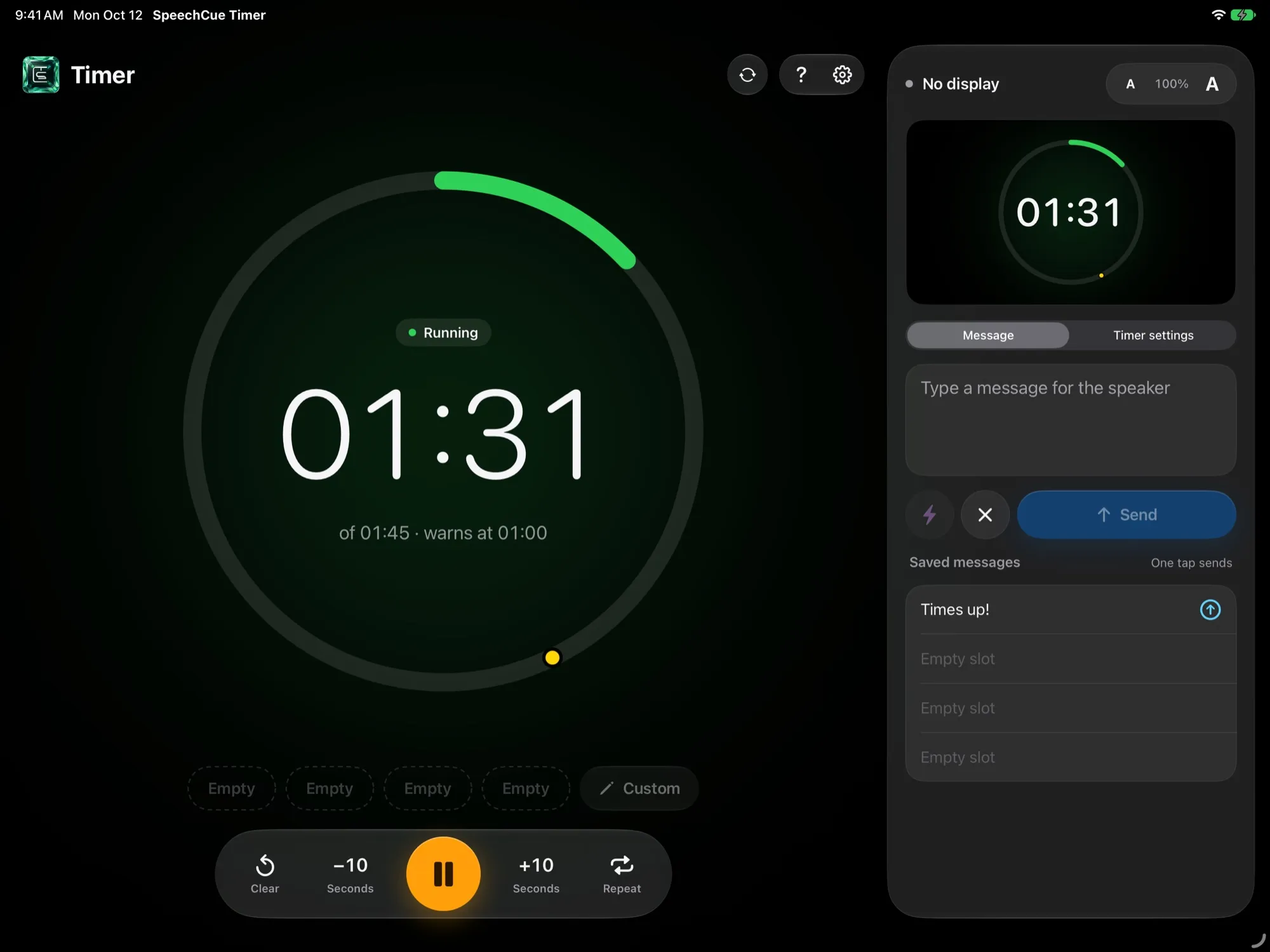
Two layouts, one that suits you
- Glass Console: a large preview of the speaker display with floating controls
- Stage Ring: a big progress ring with message tools in a side panel
- Choose the background colour behind the timer and scale text from 50% to 200%
- A built-in user guide covers everything
What you need
- An iPad with iPadOS 18.2 or later
- A second screen for the speaker, connected by cable or AirPlay
- For sync: two or more iPads with Wi-Fi and Bluetooth on
Questions? See Support, or read how the app handles your data in the privacy policy.